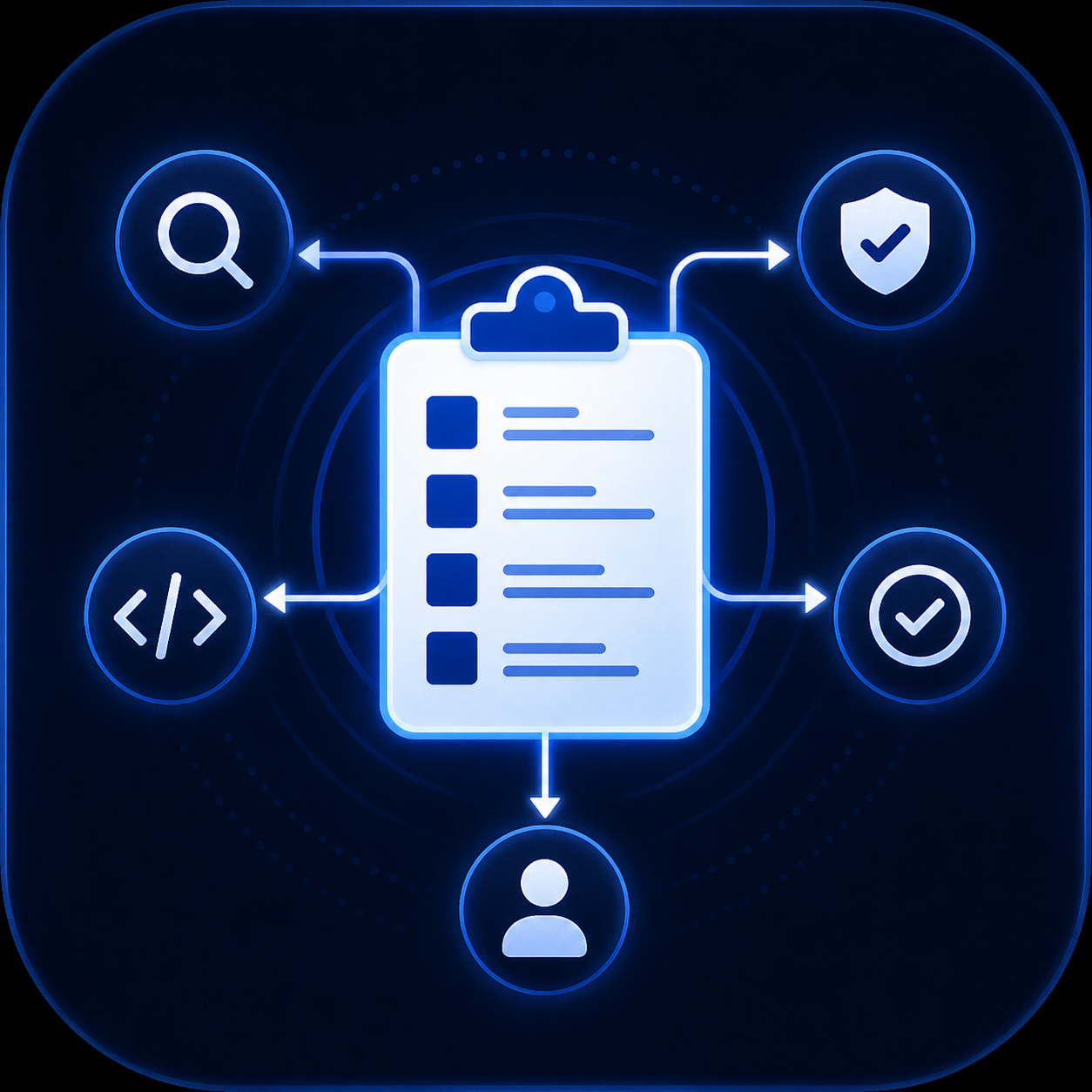
What is an AI Agent Skill?
An AI Agent Skill is a portable, reusable capability package that teaches an LLM-based agent — Claude, Cursor, GitHub Copilot, Gemini CLI, Codex CLI, Hermes, OpenClaw or any other AI coding assistant — how to perform a specific task exactly the way you want. Instead of typing the same 400-line prompt every time you need a code review, a security scan, a changelog, or a landing page, you install a skill once and the agent invokes it whenever the trigger fires. Skills are the modern replacement for cookbook prompts, chat presets and one-off assistants.
The SKILL.md format
Every skill on PromptSpace is packaged in SKILL.md— a plain-text file with YAML frontmatter followed by a Markdown body. The frontmatter declares a name, a description that helps agents auto-discover the skill, target agent compatibility, tags, and optional trigger patterns. The body contains the actual instructions, examples and constraints an agent reads before executing the task. Because SKILL.md is plain text, it version-controls cleanly, diffs like source code, and works across every agent that supports context injection — from Anthropic's Claude Code to Nous Research's Hermes to OpenAI's Codex CLI.
How installing a skill works
Every skill on PromptSpace is free to install — a free account is the only requirement. Sign in with Google or email in under 30 seconds, click Get Skill — Free, and download the SKILL.md file. Drop it into your agent's skills directory: ~/.claude/skills for Claude Code, .cursor/skills for Cursor, .codex/skills for Codex CLI, .opencode/skills for OpenCode, and equivalents for Gemini CLI, Hermes and OpenClaw. Restart the agent (or reload the session) and the skill is active — the agent will surface it whenever a task matches the trigger pattern, or you can invoke it explicitly by name.
Skills vs. Prompts vs. Custom GPTs
A prompt is a single instruction you paste into a chat window — it disappears when the session ends. A custom GPT is locked to one vendor (OpenAI) and can't be moved to another agent. A skillis portable, persistent, and standardized: install once, use everywhere, share on GitHub, version-control the source, and swap agents without rewriting a line. If you've outgrown pasting the same prompt every day and you want your capability library to survive the next model upgrade, skills are the answer.
MCP compatibility — agents auto-discover skills
Many PromptSpace skills are compatible with the Model Context Protocol (MCP), the open standard for connecting AI agents to external tools and data sources. When your agent is MCP-enabled, it can query the PromptSpace catalog mid-conversation and surface a matching skill exactly when it's needed — no manual browsing required. Every MCP-ready skill listing on PromptSpace exposes a machine-readable manifest that lets clients like Claude Desktop, Cursor, Gemini CLI and others auto-discover, preview and install the skill without leaving the agent surface.
What kinds of skills are on PromptSpace?
The catalog covers the full range of AI-agent workflows: code review (security scans, root-cause debugging, migration safety), content generation (SEO blog writers, changelog automators, PR-description helpers), developer tooling (test generators, secret leak guards, cron builders), research (competitive analysis, market briefs, arxiv summarizers), data & analytics (SQL explainers, spreadsheet transformers, chart designers), DevOps (pre-deploy guardians, container audits, incident postmortems), and domain-specific work (legal doc drafters, HVAC consultants, financial planners). Every listing shows the exact agents the skill has been tested with plus install count and community reviews.
How PromptSpace curates and verifies skills
Every skill submitted to PromptSpace runs through an automated security scanner that checks for dangerous shell commands, hardcoded secrets, obfuscated instructions, prompt-injection patterns and known-malicious payloads. Skills that pass earn a Security scannedbadge visible on every listing. Community reviews, install counts and version history give you a clear picture of quality before you install — unlike raw GitHub gists or unvetted Awesome-lists where you're on your own.
Getting started — three ways
1. Browse by category — jump straight to the topic you care about (see the category cards above).
2. Search by keyword — use the header search bar for exact-match slugs like daily-newspaper, copywriter-pro, root-cause-debugger.
3. Describe what you need — use the natural-language search in the hero to describe a workflow ("automate my changelog", "security review before merging code") and let PromptSpace suggest matching skills.
New here? Skim the Learning Center for tutorials on writing your own SKILL.md, connecting MCP to Claude Desktop, and integrating skills into a multi-agent pipeline.